
What Is an AI Agent? A No-Jargon Guide for Business Owners
All Industries30 August 2026

Friday afternoon, Rina is queuing to board at Soekarno-Hatta when the finance team's WhatsApp group pings. "Can you approve this transfer to the packaging supplier?" Attached is a blurry photo of an invoice. She types "OK" on her way to the plane.
On Monday it comes out: the invoice had already been paid and was simply resent under a different number. The money had left by bank transfer.
Hand the same job to an AI agent without human in the loop, and the same mistake can happen faster. Force the agent to wait for an "OK" at every step, though, and it just moves the queue onto the owner's phone. The real problem is the approval design.
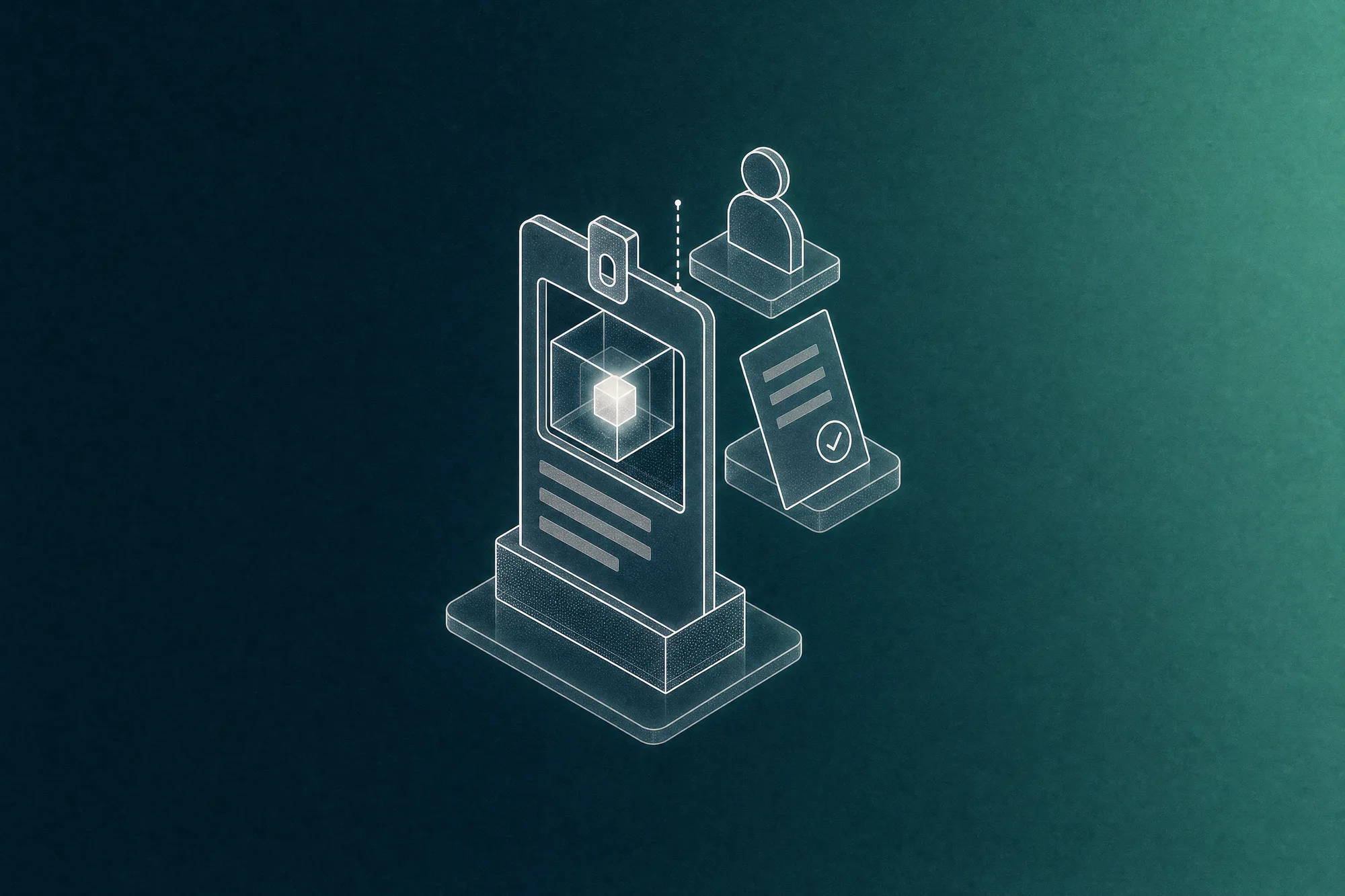
Human in the loop is a way of designing an AI agent so it does the preparation (reading documents, matching figures, drafting replies), then stops and waits for a human decision before any action that cannot be undone. The aim is not to approve every step the AI takes. It is to decide deliberately which actions may run on their own, which need a single approval click from you, and which stay entirely in your hands.
The usual assumption is that the most advanced businesses are the ones bravest about letting AI loose. The data disagrees. In McKinsey's global survey, around 65% of companies classed as "AI high performers" have a defined process for when AI output must be checked by a person, against about 23% of other companies (Source: McKinsey, 2025). The same survey found about 51% of organisations had experienced at least one negative consequence from AI (Source: McKinsey, 2025).
Indonesian regulation points the same way. Ministry of Communication and Informatics Circular No. 9 of 2023 on AI ethics states that AI should not act as the decision-maker on matters affecting people (Source: JDIH Kemkomdigi, 2023). Article 10 of the Personal Data Protection Law gives customers the right to object to fully automated decisions that significantly affect them (Source: Law No. 27 of 2022).
The national AI ethics Perpres (presidential regulation) was still in progress as of July 2026 (Source: Bisnis.com, 2026). In our view, designing human checkpoints now is lighter work than retrofitting them after the implementing rules arrive.
Most advice stops at "keep a human involved in high-risk tasks", which is too abstract to act on. In our experience, it works better to take each action the agent will perform and ask: can it be reversed, does money or an official record change hands, and will a customer or the public see the result? The answers put each action into one of these lanes.
The middle lane is where most of the value lives. The AI has done the heavy lifting, and a person makes one clear decision.
On a finance automation project we built for a company in Indonesia, the finance team used to retype hundreds of documents a month: statements from about a dozen banks, supplier invoices, ad platform bills, employee expense claims and tax invoices. The system reads each document, posts every line to the right account, then reconciles the figures against the original.
It was designed so that people handle only roughly the last 2%, the items that genuinely need judgement (Source: Finance AI Automation case study, Agentiq). That is a design target, not a guaranteed production figure. The rule behind it matters more: nothing irreversible happens until someone presses a button, and that button shows exactly what will be recorded.
A few small details keep that checkpoint meaningful. A figure missing from the source document is blocked, never quietly rounded. The Post button stays disabled until the totals match the source.
Expense claims above a configurable amount need a receipt, and approval is decided line by line. Every posting keeps its source document permanently. Built by Agentiq for an anonymised client; all screens shown use fictional sample data.
Public-facing work follows a similar pattern. In Olaif Engage, a system we built to manage comments and messages across Instagram, TikTok, YouTube, Shopee and TikTok Shop, specialist agents triage messages and draft responses, yet no public reply goes out without human approval. Reviewers can approve, edit or escalate in one click. All data in its sample dashboard is fictional.
A human checkpoint can fail in two ways, and neither gets much attention.
The first: approval becomes a formality. A KPMG and University of Melbourne study of more than 48,000 people in 47 countries found that 66% rely on AI output without checking its accuracy, and 56% admit to making mistakes at work because of AI (Source: KPMG & University of Melbourne, 2025). Trust in AI also runs higher in emerging economies, the group Indonesia belongs to: 60% against 40% in advanced economies (Source: KPMG & University of Melbourne, 2025).
Add a culture of reluctance to contradict the boss or "the system", and the approve button easily becomes a reflex. The fix is simple: show the source document beside the AI's version, and make rejecting or editing as easy as approving.
The second: everything jams at the owner's desk. If every item waits for the boss to say yes, the AI saves nothing. An approval threshold is far more useful than an approve-everything principle, and the button belongs where people already work, such as a WhatsApp notification that opens one review screen with the documents attached.
That threshold can move over time. Anthropic's analysis of millions of agent interactions, mostly from programming work, shows new users run about 20% of sessions with full auto-approval, while experienced users go above 40%, even though they also interrupt more often (Source: Anthropic, 2026). Trust is earned in stages.
Accountability does not move with it. In 2024 a Canadian tribunal ordered Air Canada to pay CAD 812.02 after the chatbot on its website gave wrong discount information, and rejected the argument that the chatbot was a separate entity (Source: CX Today, 2024). The amount was small; the precedent was not. When your online store's bot tells a customer "returns accepted any time", that is still your store's promise.
If you would like to see what an approval map for AI agents could look like in your business, walk us through the process on our contact page. The Agentiq team will reply with concrete recommendations, not a template.


Tell us what you need, and we will help turn it into a real application.